

Bespoke lighting
How to use guidance
This step-by-step guide shows you how to setup and adjust the Philips Hue lights in this space.
You can also ask a member of staff to help you.
Make sure you have the Philips Hue app downloaded, and have your Bluetooth on.
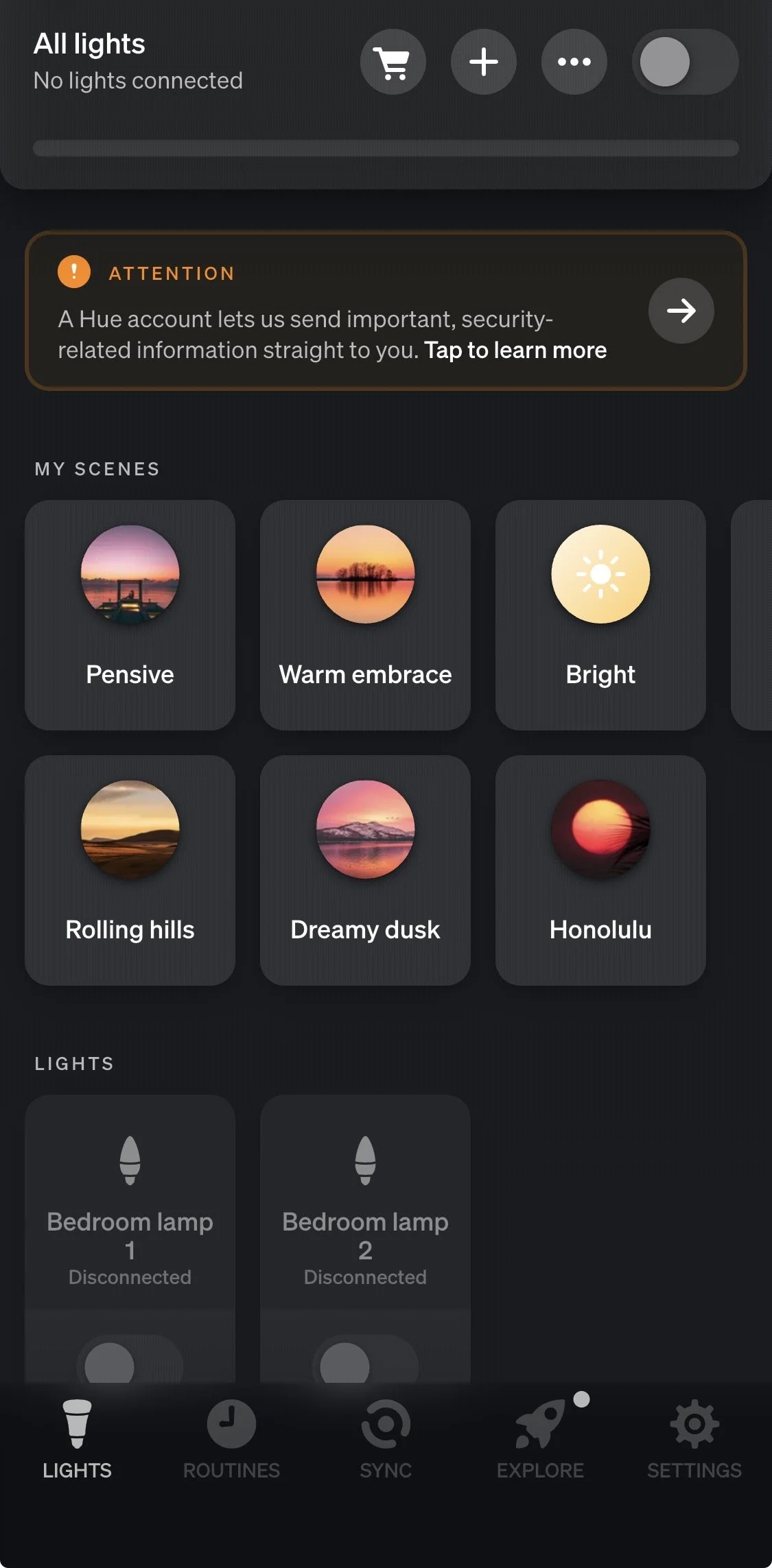
On the home page,
tap the ‘+’ symbol at the top of the page.

Tap ‘Add lights’
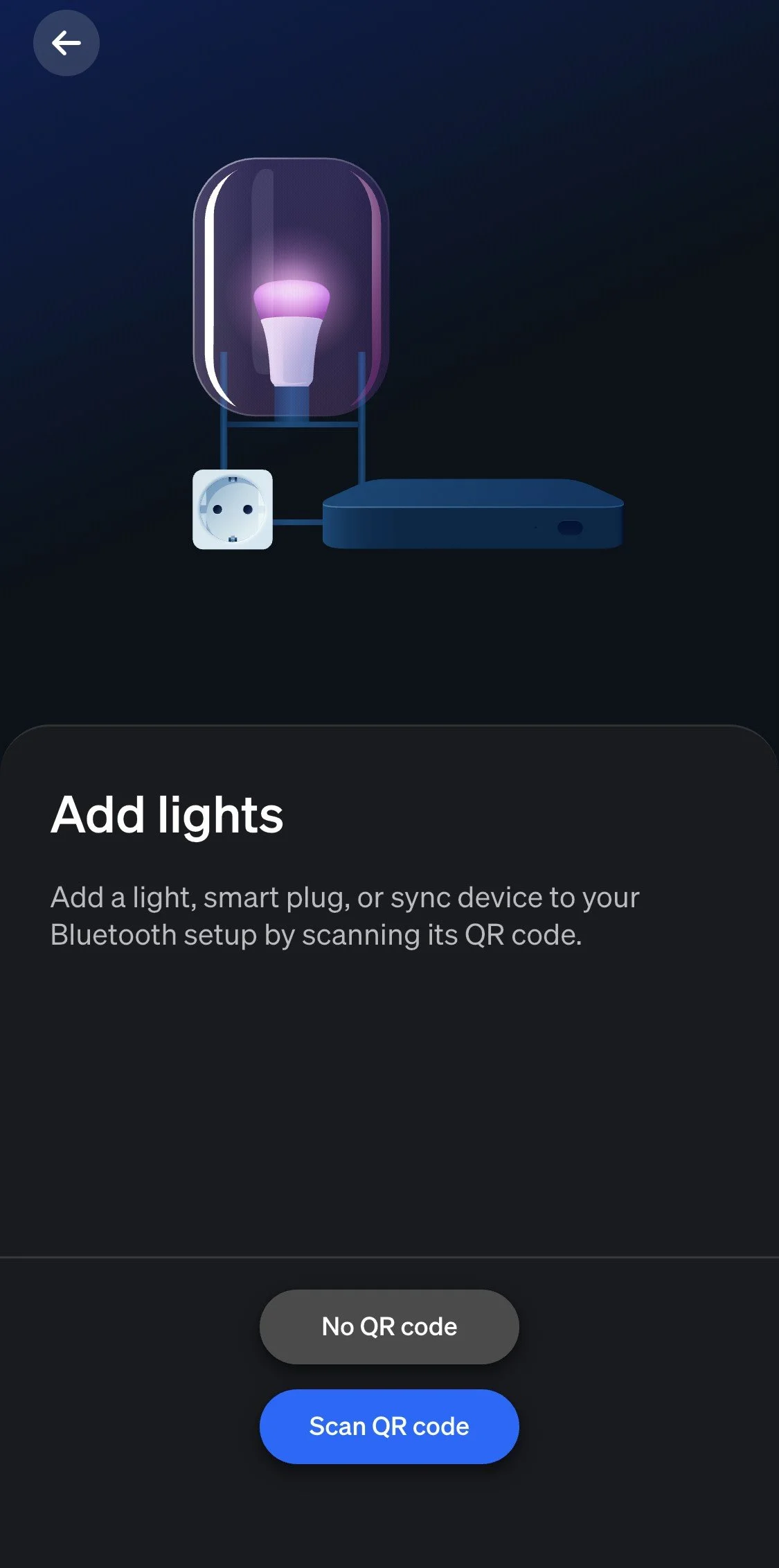
Tap ‘No QR code’
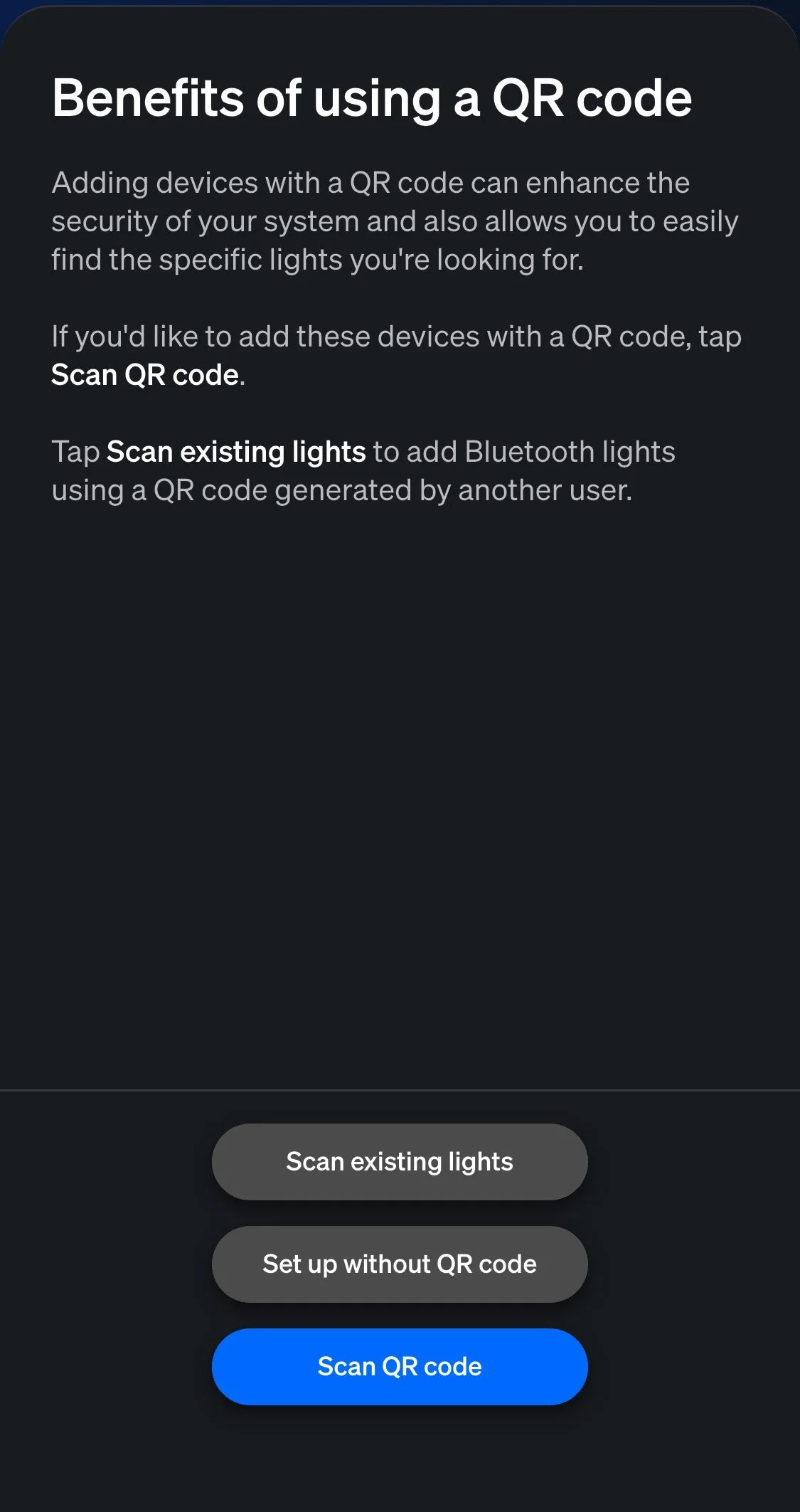
Tap ‘Set up without QR code’
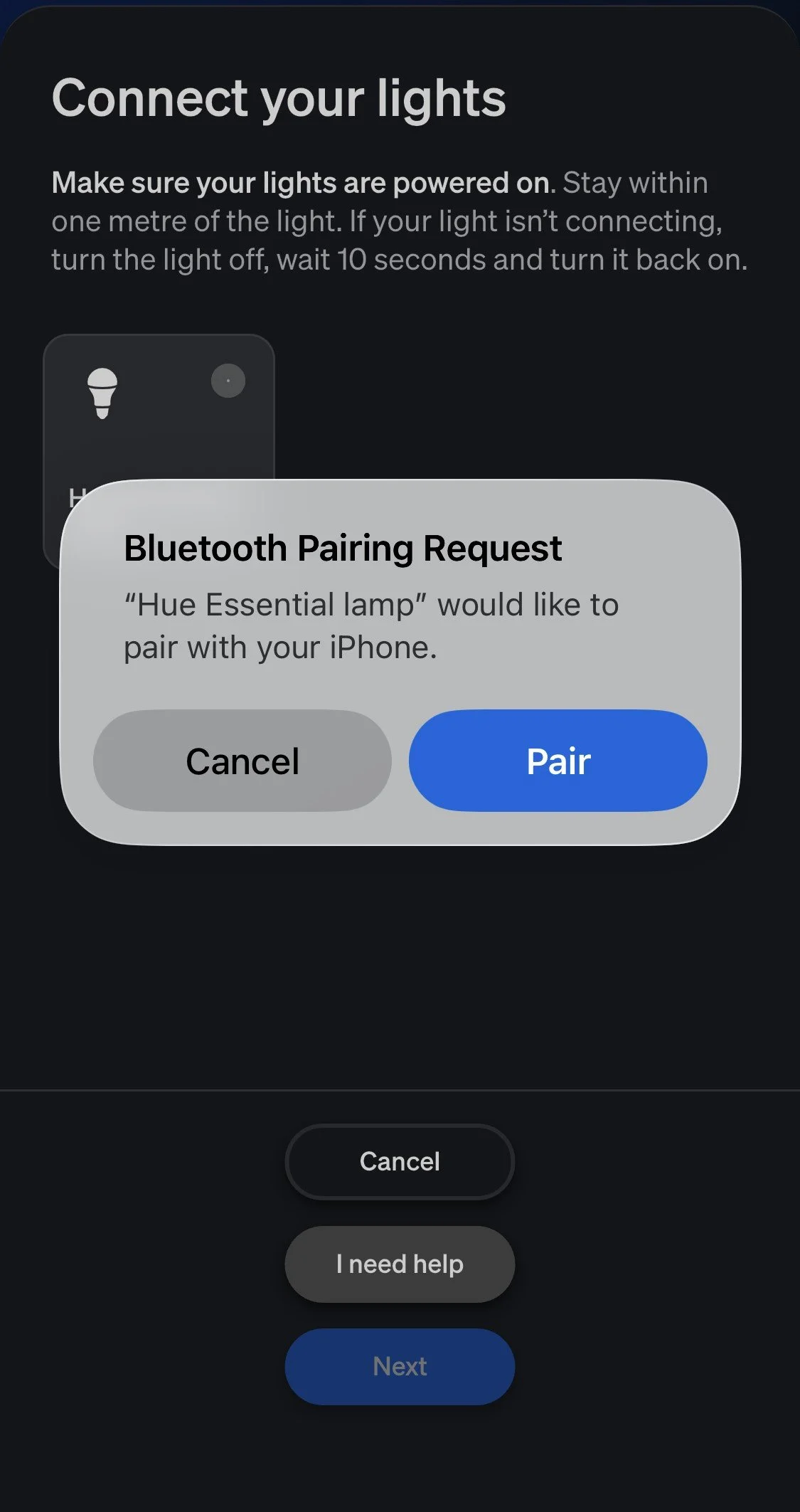
The app will search for Philips Hue bulbs.
Once it has located, tap ‘Pair’.
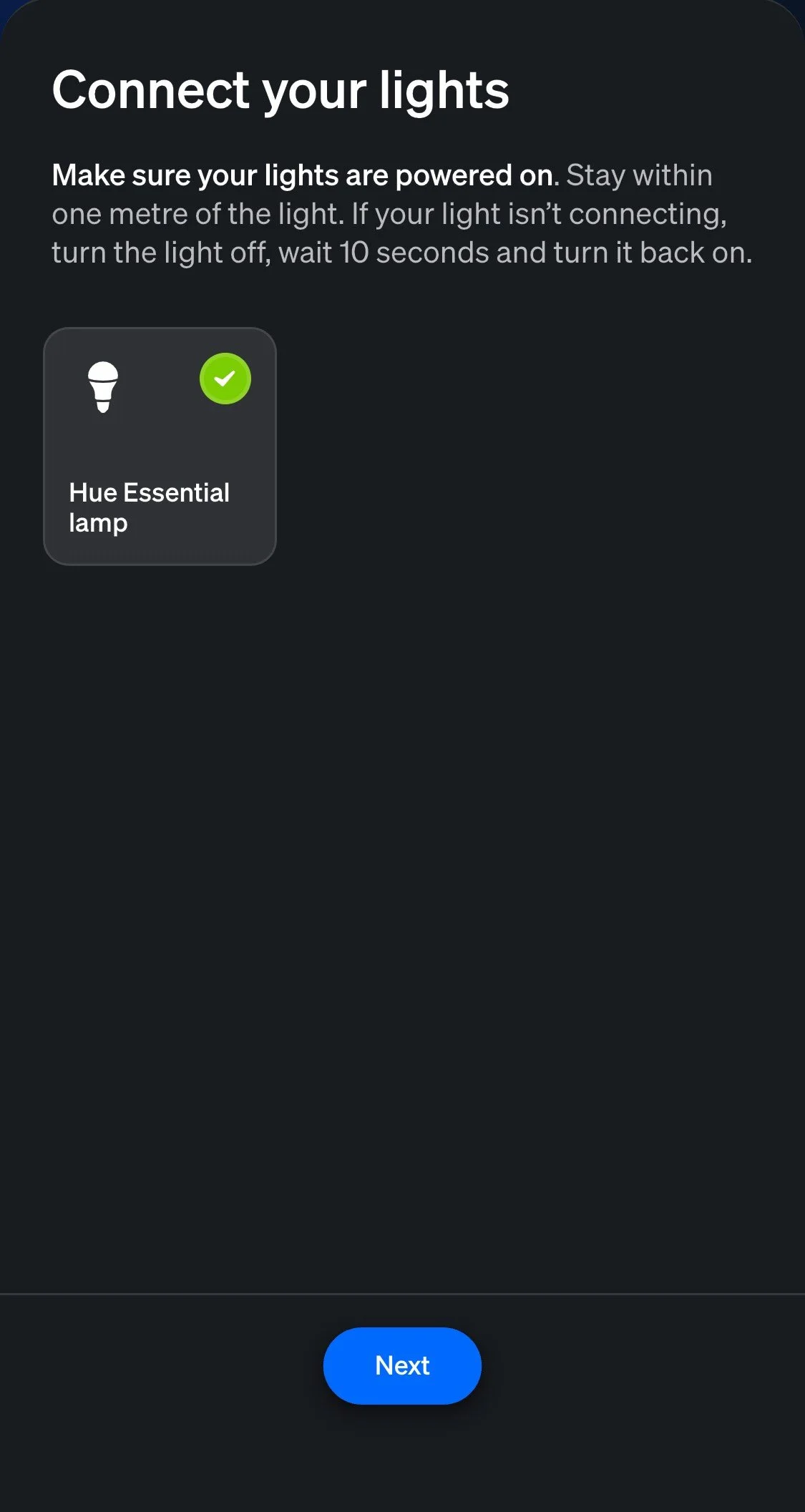
Tap ‘Next’
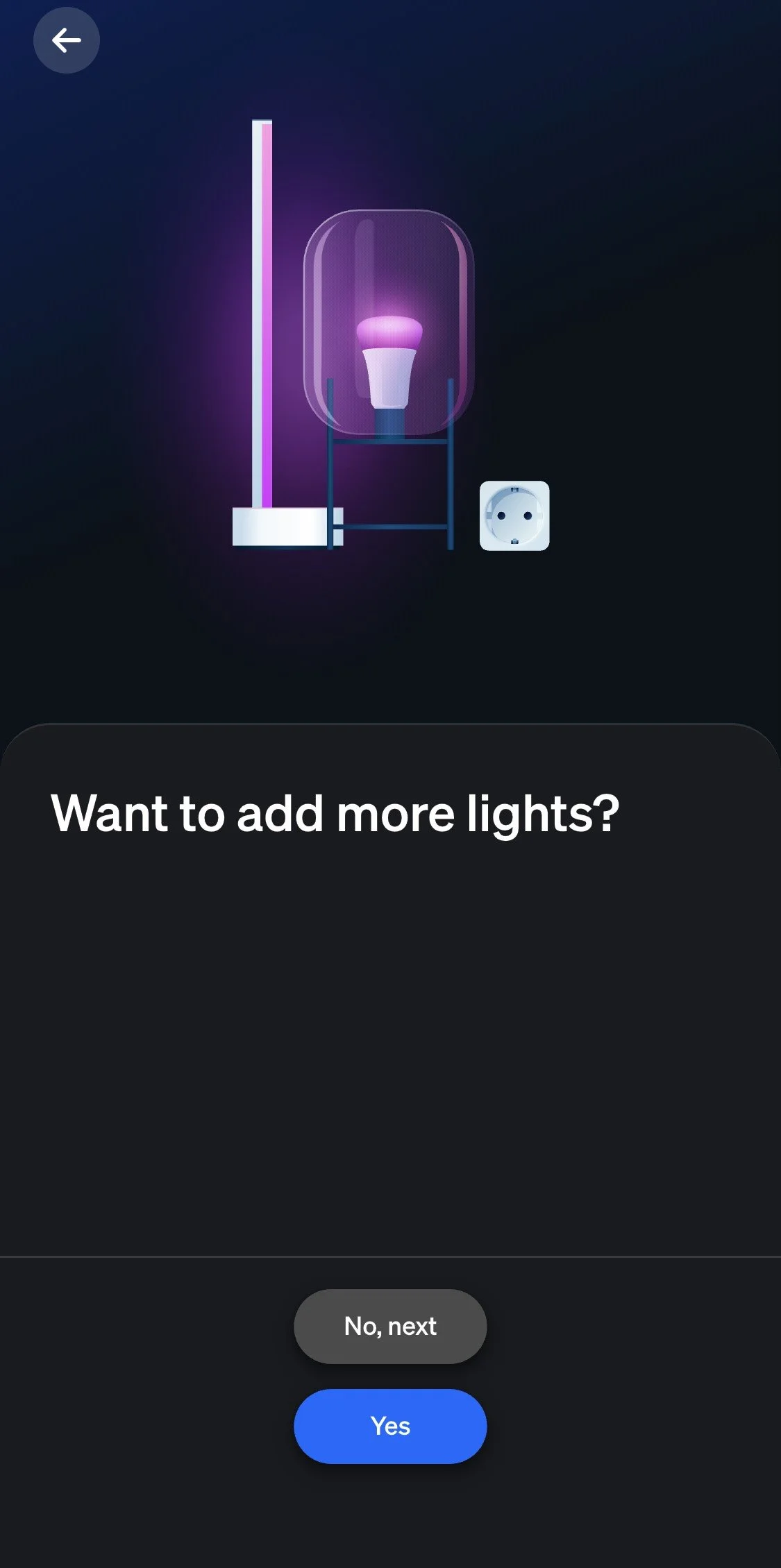
Tap ‘Yes’ and repeat until all bulbs are added (6 in total or 3 per lamp)
Then tap ‘No, next’
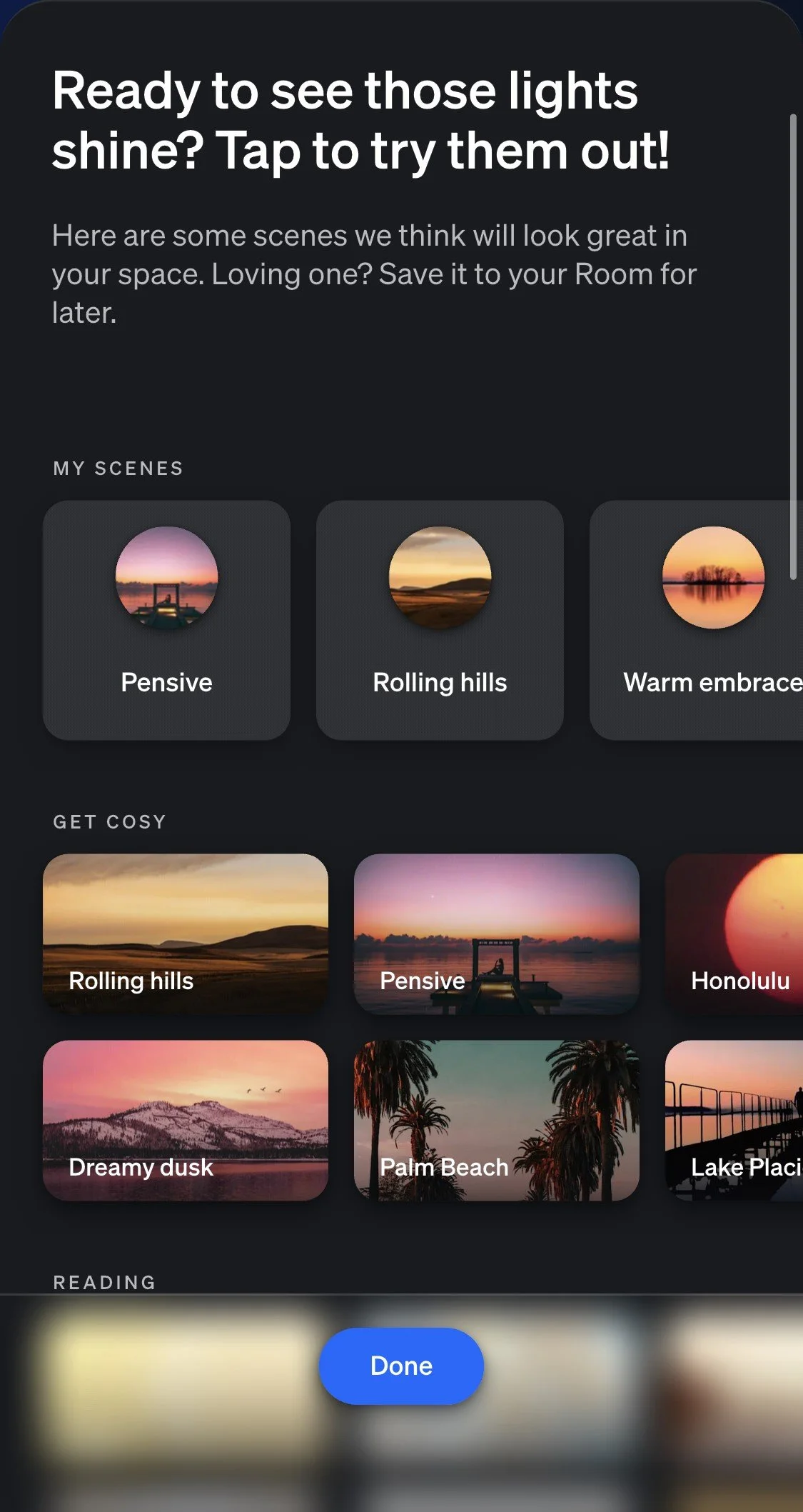
Your Philips Hue bulbs are now set up, and you can adjust brightness, change colour and add ‘scenes’